

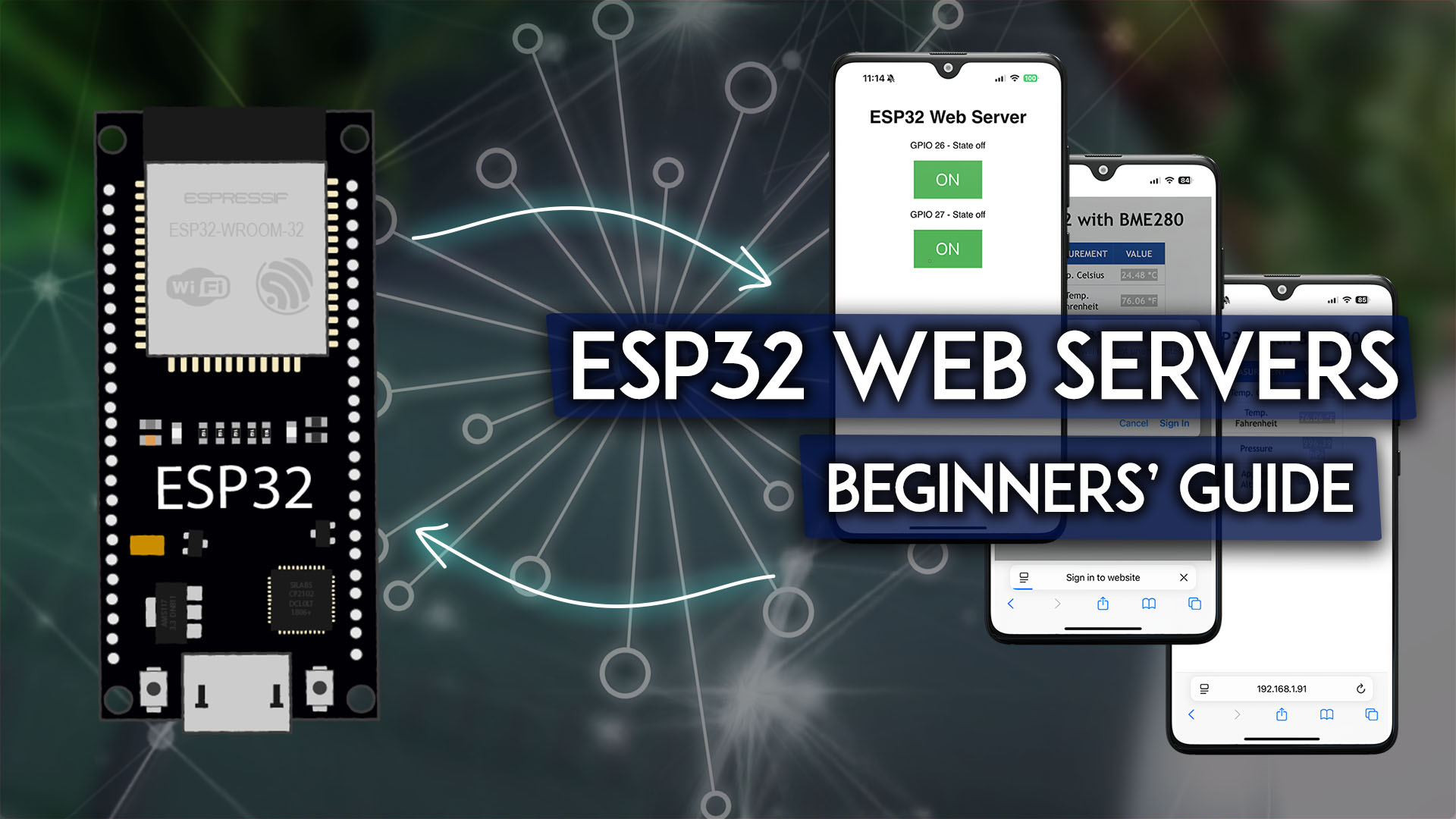
ESP Web Server: Create Your Own Standalone Server Guide
ESP web server create your own standalone server transforms ESP microcontrollers into independent web servers hosting control interfaces accessible from any browser. This capability enables remote device control, sensor monitoring, and configuration interfaces without requiring external services or cloud platforms—creating truly standalone IoT solutions.
Understanding ESP Web Servers
ESP32 and ESP8266 microcontrollers run lightweight web servers handling HTTP requests and serving HTML pages. Users connect to ESP IP addresses through browsers, accessing web interfaces controlling connected devices or displaying sensor data.
Standalone operation means ESP devices function independently without internet connectivity or cloud services. Local network access suffices—perfect for home automation, industrial control, or situations where internet dependency creates vulnerabilities or unnecessary complexity.
Web interfaces provide universal access. Any device with a browser—smartphones, tablets, computers—controls ESP systems without specialized apps. This universality simplifies deployment and user adoption.
Basic Web Server Implementation
Creating simple web servers requires surprisingly little code. ESP libraries handle HTTP protocol complexity, allowing developers to focus on functionality rather than low-level networking.
Server initialization creates listening sockets on specified ports (typically 80 for HTTP). Defining route handlers maps URLs to functions executing when accessed. Root path (“/”) typically serves main control interface, while additional paths provide specific functions or data.
HTML generation creates user interfaces. Simple projects embed HTML directly in code strings. More complex applications use template systems or serve files from ESP filesystem storage.
HTML Interfaces and User Input
Control interfaces require buttons, sliders, and input fields. HTML forms submit data to ESP servers, triggering device actions. Responsive design ensures interfaces work across device sizes—crucial since most users access from phones.
CSS styling creates professional appearances. Bootstrap frameworks accelerate development with pre-built components. JavaScript enhances interactivity—AJAX refreshes sensor readings without page reloads, providing real-time updates.
Form submissions send browser data to ESP servers. Processing POST requests extracts data, validates input, executes actions, and returns confirmations. URL parameters enable direct control through links like “/led/on” or “/servo/90”.
Dynamic content shows current sensor readings. Auto-refresh updates displays periodically using meta tags or AJAX. JavaScript libraries like Chart.js create visualizations making trends visible.
Access Points and Security
ESP devices create wireless access points for direct connections when existing Wi-Fi is unavailable. Setting descriptive SSIDs like “GarageController” helps users identify networks. Captive portals redirect traffic to ESP servers, simplifying access.
Authentication prevents unauthorized access. Basic HTTP authentication requires usernames and passwords. HTTPS encryption protects transmission but consumes more resources. CORS policies prevent malicious websites from controlling devices through browsers.
Multi-page applications organize complex functionality through navigation menus. WebSocket connections enable real-time bidirectional communication, pushing updates immediately when readings change. RESTful APIs enable programmatic control beyond browser interfaces.
Power and Performance Optimization
Serving web pages consumes power, important for battery-operated devices. Implementing sleep modes between requests, minimizing page complexity, and optimizing code reduces power consumption.
Response time optimization improves user experience. Minifying HTML/CSS/JavaScript, implementing caching headers, and avoiding unnecessary processing creates snappy interfaces.
Concurrent connection handling allows multiple users simultaneously. ESP servers handle limited simultaneous connections—typically 4-5. For higher traffic, implementing connection queuing or upgrading to ESP32 improves multi-user support.
Debugging and Testing
Serial monitor displays server activity—connection requests, URL accesses, errors—helping diagnose problems during development. Logging relevant information without overwhelming output requires balance.
Browser developer tools reveal client-side issues. Network tabs show HTTP requests and responses, console displays JavaScript errors, and element inspectors debug layout problems.
Testing across browsers and devices ensures compatibility. Safari, Chrome, Firefox, and mobile browsers sometimes behave differently. Comprehensive testing prevents user frustration from incompatible interfaces.
Practical Applications
Home automation controllers manage lights, thermostats, appliances through web interfaces accessible from anywhere on local networks. Centralized control simplifies smart home management without commercial hubs.
Greenhouse monitoring displays temperature, humidity, soil moisture while controlling irrigation, ventilation, and lighting. Growers access conditions remotely, adjusting settings without physical presence.
Aquarium controllers monitor water parameters, control filtration, heating, and lighting. Web interfaces enable vacation monitoring and control, ensuring livestock welfare during absence.
Workshop tool control provides remote power management, safety monitoring, and usage logging for shared equipment in maker spaces or small shops.
Weather stations display current conditions, historical data, and forecasts through attractive web dashboards accessible from any device on the network.
Expanding Capabilities
Database integration stores extensive data. SQLite or external database connections enable sophisticated data management beyond simple file storage.
Email notification integration alerts users about important conditions. Combining web servers with email capabilities creates comprehensive monitoring and alerting systems.
Mobile app creation using frameworks like Ionic or React Native provides native app experiences while leveraging web server backends. Progressive Web Apps enable app-like experiences without separate mobile development.
ESP web servers democratize IoT development, enabling hobbyists and professionals to create sophisticated control systems with minimal resources. Whether automating homes, monitoring environments, or controlling equipment, standalone web servers provide accessible, universal interfaces making technology serve practical needs.